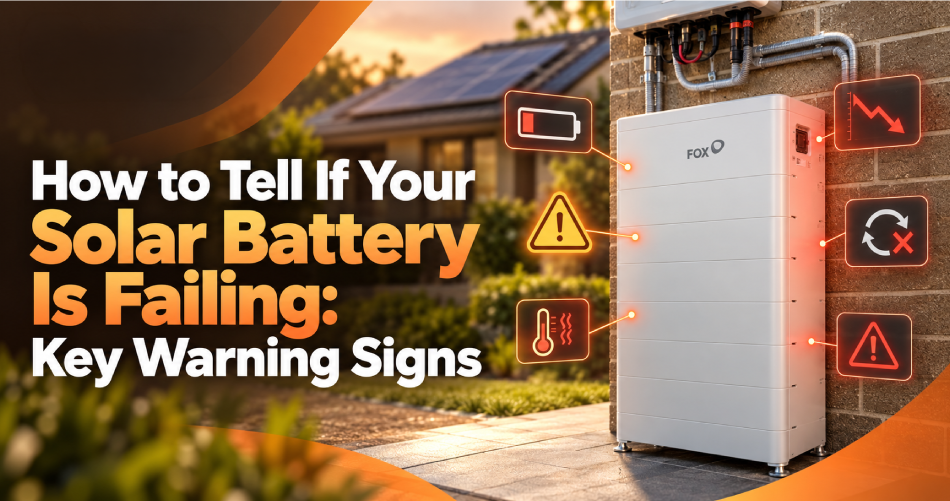
Reduced backup time or warning in your app doesn't automatically mean solar battery failure. Settings, household usage, solar generation, temperature, or inverter communication can all cause the same symptoms. Learn to recognise the warning signs but leave the actual electrical repairs to a qualified professional.
Key Signs of Solar Battery Failure

One isolated event rarely tells you much. Several recurring symptoms showing together give you far stronger evidence of a genuine problem than any single reading on its own.
Backup Time Has Dropped Significantly
If backup time is noticeably shorter under similar household loads to before, that can point to reduced usable capacity. Worth distinguishing:
- Gradual ageing, a slow decline over several years, which is expected
- A sudden decline, backup dropping sharply within weeks or months, which is more concerning
The Battery Is Not Charging Fully
A few patterns to watch for:
- Charging levels staying lower than expected
- Charging taking much longer than usual
- The battery repeatedly stopping before it reaches its expected percentage
Before assuming a fault, check for poor solar generation on cloudy days and confirm your reserve settings haven't changed.
The Battery Does Not Discharge When Expected
Operating schedules, minimum reserve settings, Virtual Power Plant controls, or a communication issue with the inverter can all stop a battery discharging when you think it should. It's not always a battery fault; sometimes it's just a setting doing exactly what it was told to do.
State-of-Charge Readings Change Suddenly
Keep an eye out for:
- Unexplained jumps in the percentage shown
- Rapid drops that don't match your actual usage
- Readings that simply don't line up with what you're using around the house
These kinds of solar battery performance issues are worth tracking over a few days rather than reacting to a single odd reading.
Error Codes and Shutdowns Keep Returning
Repeated alerts, disconnections, or the system restarting on its own can indicate solar battery faults that need a professional diagnosis, rather than something you can clear by restarting the app.
Your Grid Electricity Use Has Increased
A jump in grid electricity use can suggest solar battery problems, but it's worth checking two other things first:
- Whether your household's overall electricity use has gone up
- Whether your solar panels are generating less than usual
There Are Physical or Sensory Warning Signs
Watch for:
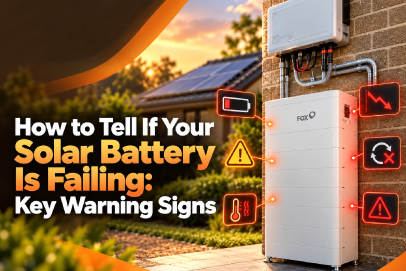
- Swelling or a bulging casing
- Leaking of any kind
- Discolouration
- Unusual heat coming from the unit
- Strong or unusual smells
- Hissing or popping sounds
- Any sign of smoke
These are urgent safety warnings, not ordinary performance problems, and they need immediate attention rather than a wait-and-see approach.
Is It a Battery Fault or Another System Issue?
|
What You Notice |
Possible Explanation |
Next Step |
|
Low charge level |
Poor solar generation, settings or battery issue |
Review the app and contact the installer |
|
Short backup time |
Higher household loads or capacity loss |
Compare similar usage periods |
|
Missing app data |
Internet, inverter or communication fault |
Check alerts and system status |
|
Higher grid imports |
Increased usage, low solar output or battery issue |
Review consumption and generation together |
This table is useful for a first check, but it doesn't replace a proper technical diagnosis from someone qualified to assess the system. It's a starting point for narrowing down solar battery problems, not a final answer.
Safe Solar Battery Troubleshooting Checks
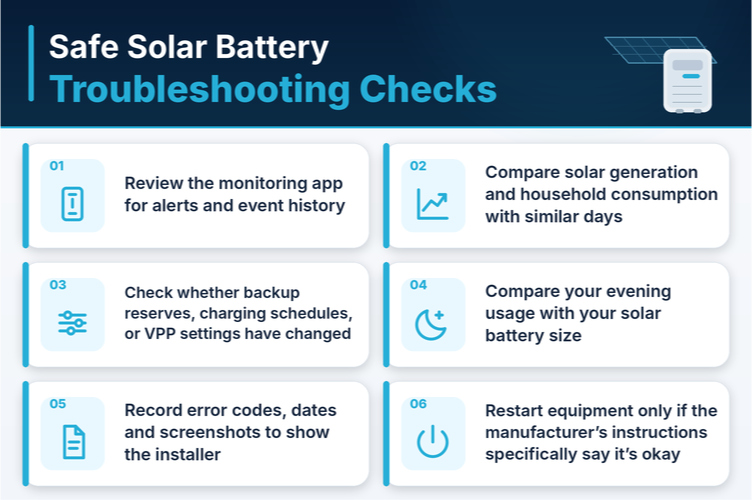
A few things you can safely do yourself:
- Review the monitoring app for alerts and event history
- Compare solar generation and household consumption with similar days
- Check whether backup reserves, charging schedules, or VPP settings have changed
- Compare your evening usage with your solar battery size
- Record error codes, dates and screenshots to show the installer
- Restart equipment only if the manufacturer's instructions specifically say it's okay
That's the extent of safe solar battery troubleshooting for a homeowner. Never open the battery enclosure or touch any internal wiring yourself. The Clean Energy Regulator's guidance is clear that inspections and repairs need a qualified professional.
When to Stop Troubleshooting Immediately?
Stop and move away from the battery straight away if you notice smoke, swelling, leaking, a strong chemical smell, unusual sounds, or excessive heat. Don't touch, open or attempt to repair it. If there's smoke or fire, call emergency services first, then let your installer or manufacturer know. Fire and Rescue NSW identifies swelling, extreme heat, leaking and changes to the casing as serious warning signs that call for this kind of response.
Does the Battery Need Repairing or Replacing?
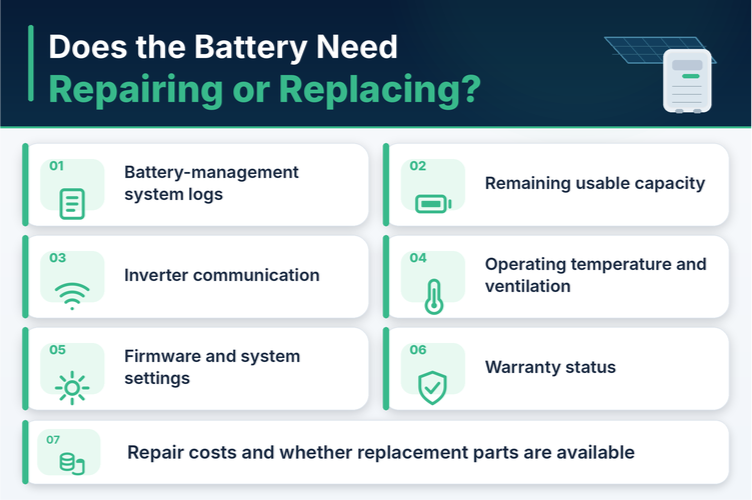
A qualified technician can work through:
- Battery-management system logs
- Remaining usable capacity
- Inverter communication
- Operating temperature and ventilation
- Firmware and system settings
- Warranty status
- Repair costs and whether replacement parts are available
Getting to the bottom of solar battery failure properly means looking at the solar battery system as a whole, the battery, inverter, solar panels and electrical connection together, rather than assuming the battery is automatically to blame. Replacement isn't always the outcome, sometimes it's a settings fix or a straightforward repair.
Why Choose HiTech Hot Water?
HiTech Hot Water can review your system's symptoms, your household's usage, and equipment compatibility before recommending servicing, a warranty claim, or replacement. We can't diagnose a fault remotely or guarantee a repair outcome sight unseen, but we can point you in the right direction.

Conclusion
Recurring performance changes, repeated alerts, or physical damage all call for professional attention rather than guesswork. Book a battery assessment or request a quote today.
FAQs
Many home batteries are designed for roughly 10–15 years, although chemistry, usage, cycles, temperature and maintenance affect lifespan.
Yes, Sustained high temperatures can reduce efficiency, trigger protective shutdowns and accelerate long-term degradation of battery cells.
It may lack backup capability, have a low reserve, incompatible circuits, incorrect inverter settings or a system fault.
Only follow manufacturer-approved reset instructions. Contact your installer if warnings, shutdowns or error codes return after resetting.